

SIPZ
The whole look, ready to go.
Signage, cups, lids and machine graphics in SIPZ green and kraft. A recognizable coffee brand on your counter from day one.
Good for stores that want a coffee brand customers already trust the look of.
Brand it your way
Every SIPZ station can carry the SIPZ brand, your store's brand, or both. Same coffee, same machines. Your call. Try it below.
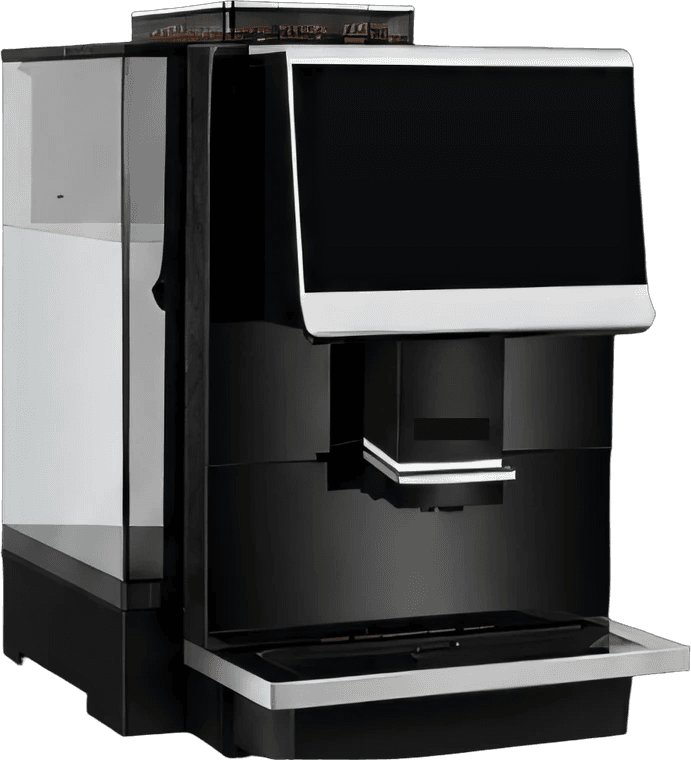
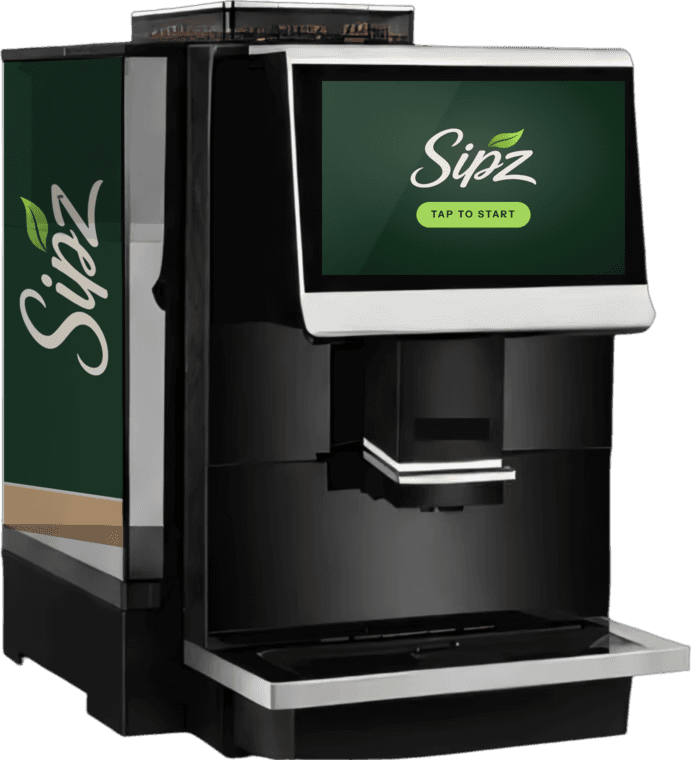
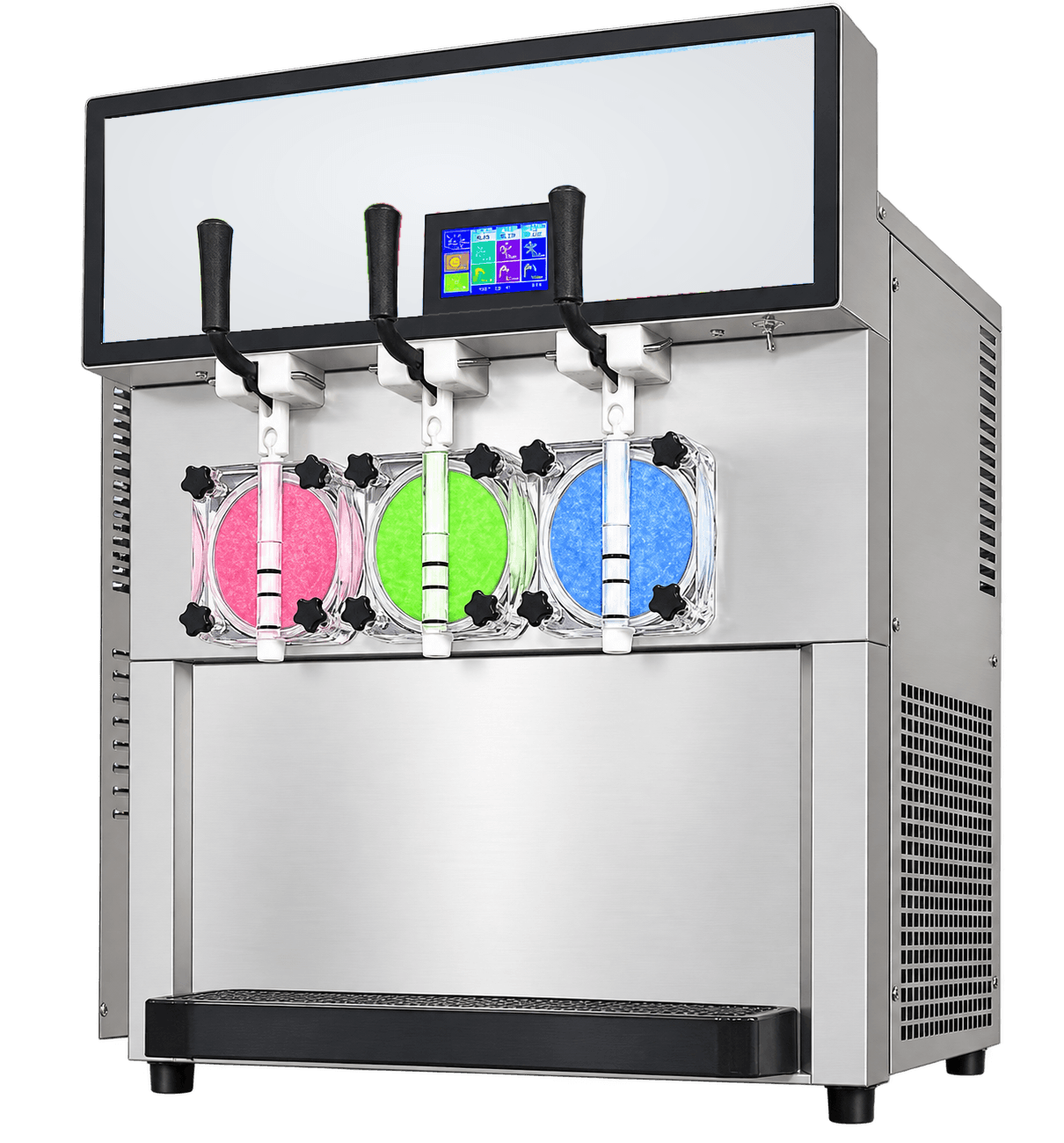
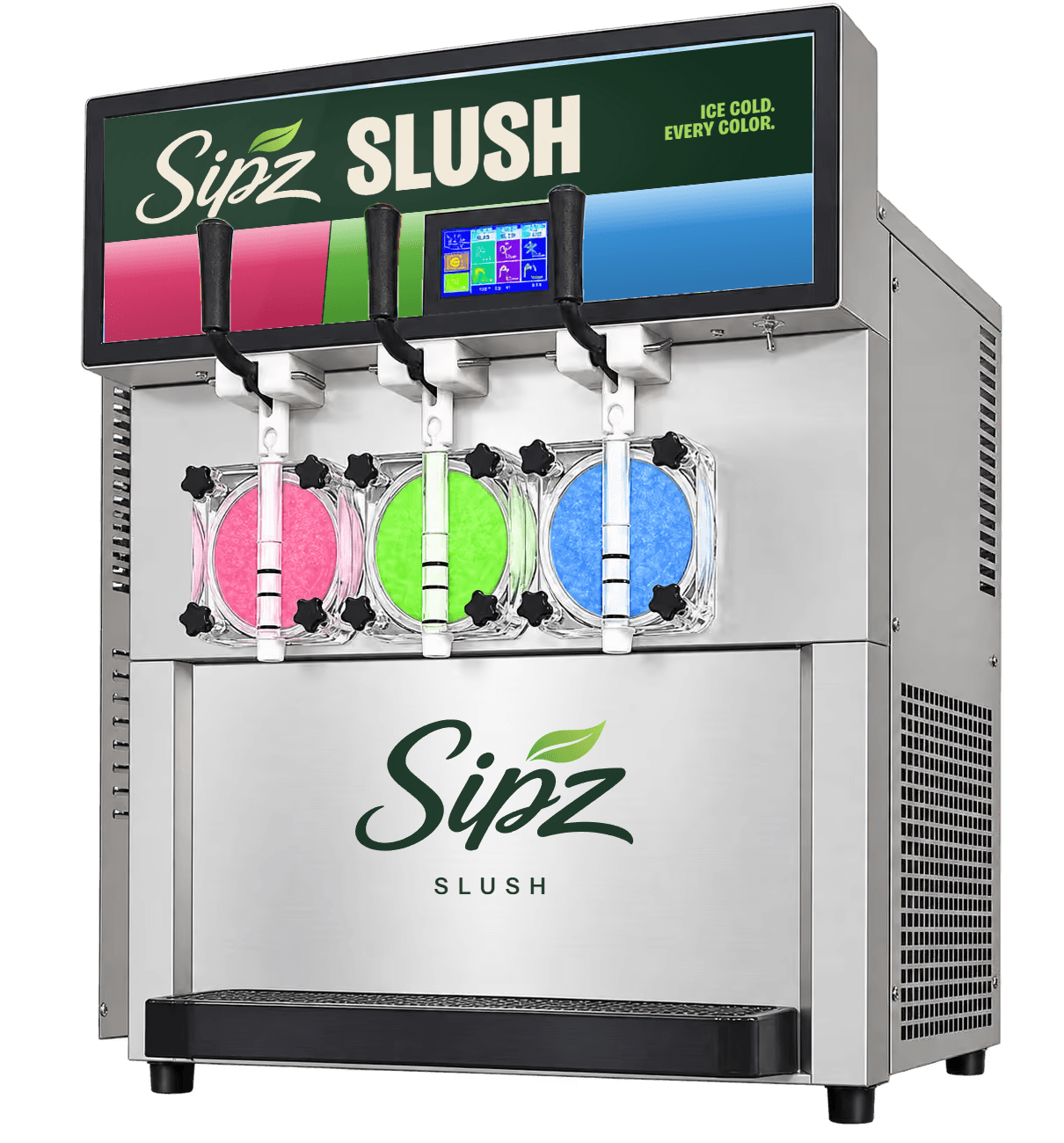
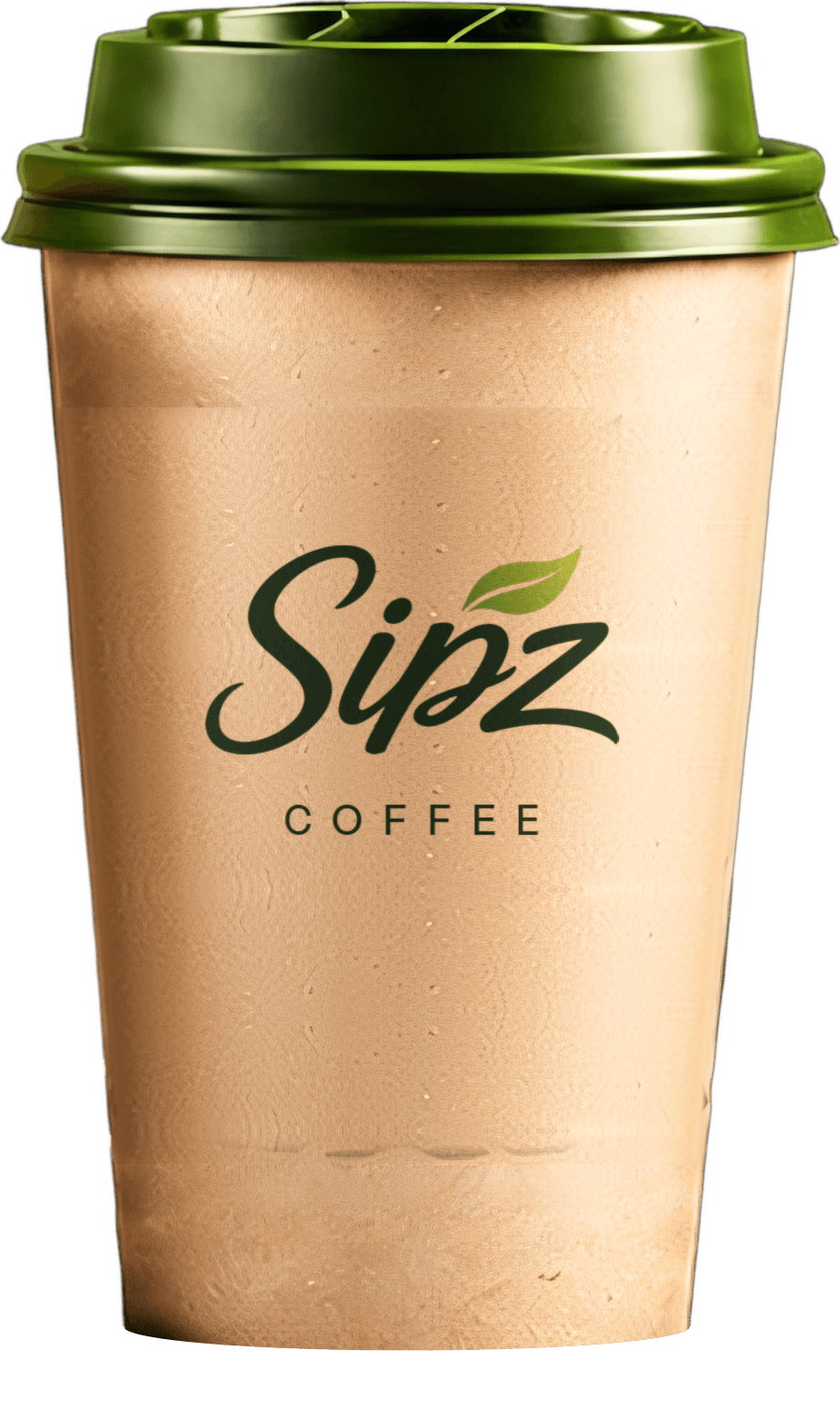
A sketch, not a proof: real signage, cups and machine graphics are designed with you and sized to your store.
Have a logo?
PNG or SVG with a transparent background works best. It stays on your device.
The whole look, ready to go.
Signage, cups, lids and machine graphics in SIPZ green and kraft. A recognizable coffee brand on your counter from day one.
Good for stores that want a coffee brand customers already trust the look of.
Your name on everything.
Your logo and colors on the cups, sleeves, signs and machine screens. Customers see your store, start to finish.
Good for chains and stores with a house brand they've built.
Your store, SIPZ coffee.
Your name leads, with SIPZ called out as the coffee. Your brand gets the credit, and the coffee gets a name to stand behind.
Good for stores that want their brand up front and a coffee name customers recognize.
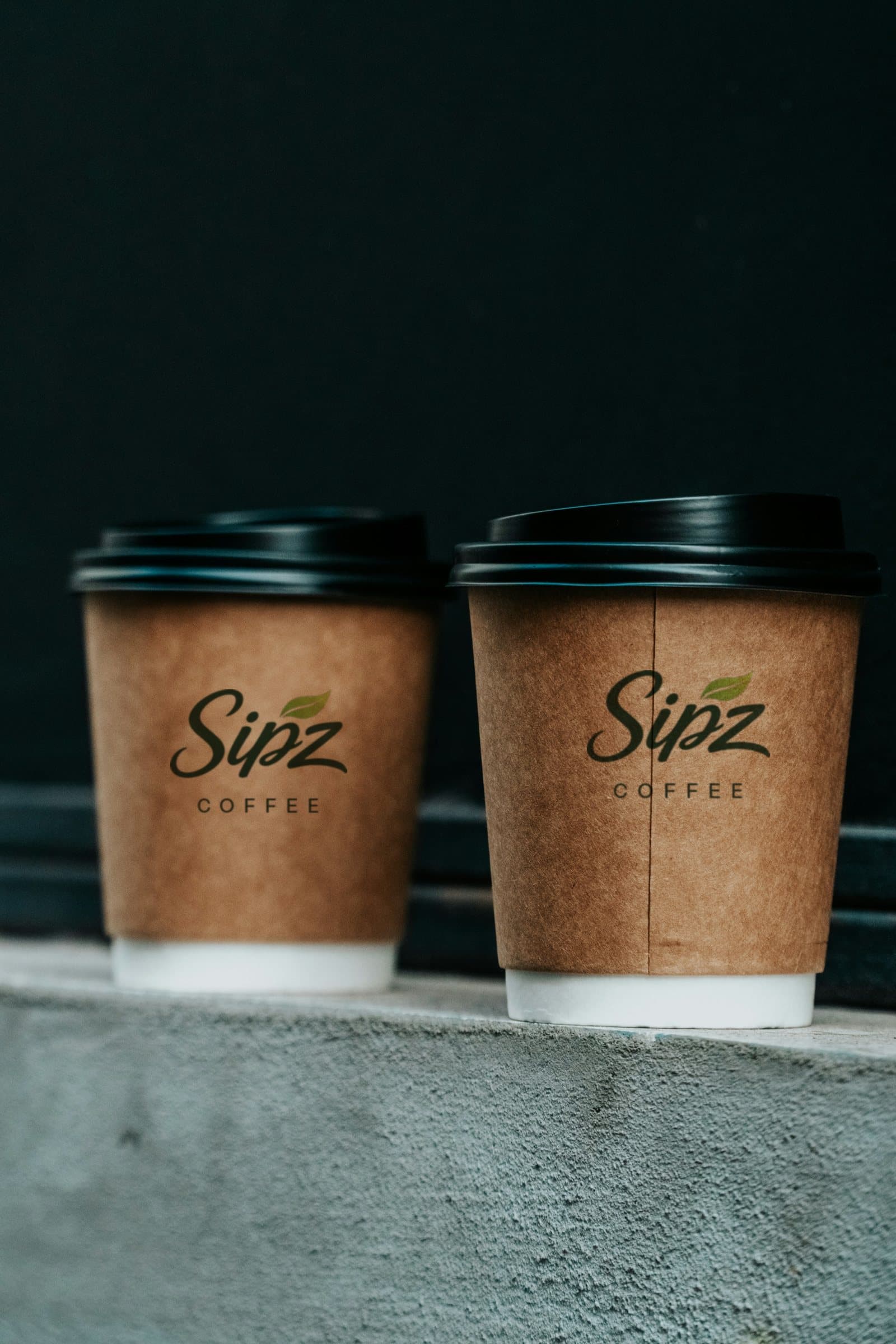
Whatever you have is a fine place to start: a logo file, a sign photo, a color you love.
Cups, signs, menus and machine graphics, sized to your station and your store.
Nothing gets printed until you've signed off on how it looks.
Your branded setup arrives as part of the program.